
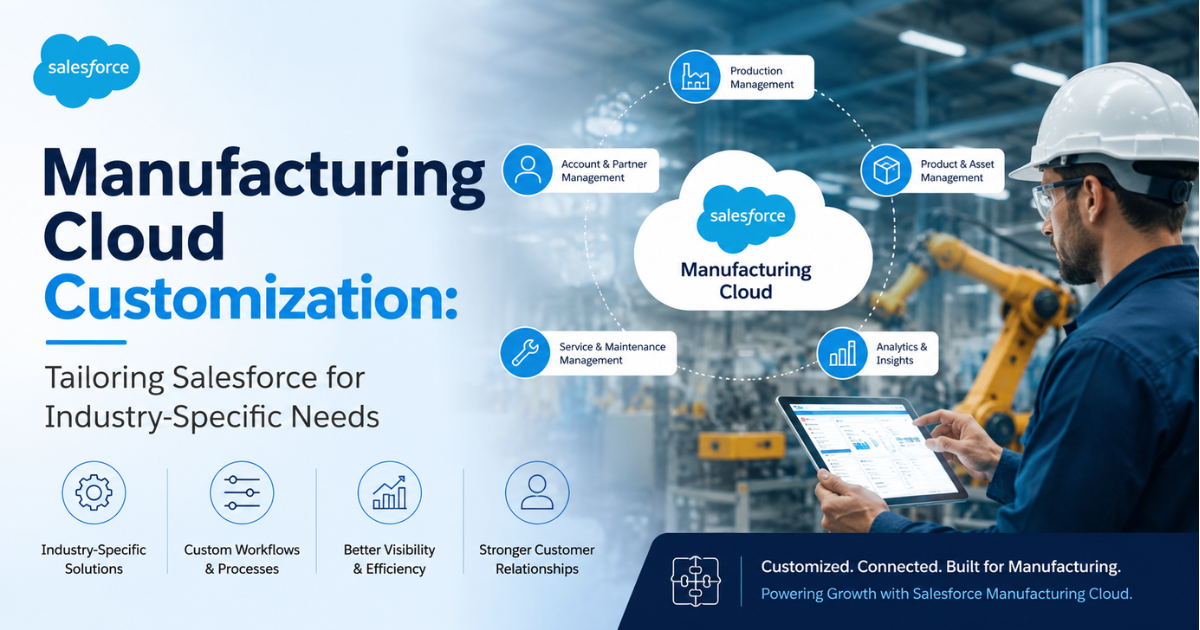
Manufacturing companies run on tight margins and complex operations. A generic CRM rarely fits their workflows. This is why customization matters so much when a manufacturer adopts Salesforce Manufacturing Cloud. Out-of-the-box features solve common problems, but every manufacturer has unique products, contracts, and supply chains. Technical teams must configure the platform to match real business processes, not the other way around.
This looks at how technical teams customize Salesforce Manufacturing Cloud Solutions for specific industry needs. It covers core customization areas, technical methods, industry use cases, and best practices. The goal is to give architects, admins, and decision-makers a clear technical view of what customization involves.
What Salesforce Manufacturing Cloud Actually Does
Salesforce Manufacturing Cloud combines Sales Cloud and Service Cloud with manufacturing-specific data models. It adds objects for sales agreements, account-based forecasting, and rebate management. The platform tracks run-rate business alongside project business, which standard CRM tools handle poorly.
Manufacturers face contraction in traditional demand signals. The ISM Manufacturing PMI has stayed below the 50 threshold for much of the past two years, a sign of ongoing contraction in new orders and production. At the same time, confidence in digital tools remains high, with survey data showing that a large majority of manufacturing leaders feel prepared to adapt to market shifts over the next three years. This gap between economic pressure and operational confidence is exactly where a properly customized CRM adds value. It gives sales and operations teams a shared, accurate view of demand.
Why Manufacturers Need Customization, Not Just Configuration
Standard Manufacturing Cloud objects work for many businesses. But most manufacturers sell through distributors, run long product cycles, or manage engineer-to-order builds. These patterns need adjusted data models, custom automation, and tailored dashboards.
A few reasons customization becomes necessary:
- Product complexity varies widely across sectors like automotive, electronics, and industrial equipment.
- Contract structures differ, from volume-based agreements to spot orders.
- Compliance and quality rules vary by region and industry.
- Legacy ERP and MES systems often use different data structures than Salesforce.
- Sales teams need forecasts based on run-rate, not just deal-by-deal pipeline.
Recent industry data backs up the shift toward tailored digital tools. Investment in AI-driven manufacturing tools grew sharply, with adoption jumping from 64% of manufacturers in 2025 to 79% in 2026. Manufacturers are not just buying software. They are shaping it to fit specific production and sales models.
Core Areas of Manufacturing Cloud Customization
1. Object and Field Customization
Manufacturing Cloud ships with objects like Sales Agreement, Account Forecast, and Order Product. Technical teams often add custom fields to capture industry-specific data points such as:
- Lead times by product category
- Regional compliance codes
- Material specifications
- Warranty terms
- Batch or lot tracking numbers
Custom fields must follow naming conventions and data types that match downstream systems. A field created without proper validation rules can break integrations later.
2. Sales Agreement Customization
Sales agreements form the backbone of Manufacturing Cloud. Technical teams customize agreement terms, product schedules, and renewal logic to match contract types used by the business. For example, an automotive supplier might need agreement terms tied to production releases, while a consumer goods manufacturer might need seasonal volume commitments.
Custom Apex triggers often handle:
- Auto-renewal logic based on contract end dates
- Alerts when actual sales fall below committed volumes
- Approval workflows for agreement amendments
3. Forecasting Model Customization
Account-based forecasting combines run-rate and actual data. Many manufacturers adjust the forecasting formulas to reflect their own demand patterns. Technical teams can build custom Apex classes or Flow-based logic to weight forecasts by seasonality, region, or product family.
4. Dashboard and Reporting Customization
Standard reports rarely match executive needs. Technical teams build custom report types and dashboards using fields specific to the business, such as:
- On-time delivery rates
- Rebate payout tracking
- Channel partner performance
- Product mix by region
5. Integration Customization
Most manufacturers run ERP systems like SAP, Oracle, or Microsoft Dynamics alongside Salesforce. Integration customization connects Manufacturing Cloud to these systems using MuleSoft, custom APIs, or middleware. This keeps inventory, pricing, and order data synchronized across platforms.
Technical Approaches to Customization
1. Declarative Tools
Salesforce Flow, Process Builder (legacy), and validation rules handle many customization needs without code. Admins use Flow to automate agreement renewals, send alerts, or update related records. Declarative tools reduce maintenance overhead and are easier for internal teams to manage over time.
2. Apex and Custom Code
Complex business logic often needs Apex classes and triggers. Examples include:
- Custom forecasting algorithms
- Bulk data processing for large agreement updates
- Complex approval chains across multiple departments
Apex gives more control but requires ongoing maintenance and testing. Technical teams should write test classes covering at least 75% of code, which is the Salesforce platform requirement for deployment.
3. APIs and Integration Layer
REST and SOAP APIs connect Manufacturing Cloud to external systems. MuleSoft Anypoint Platform, now part of the Salesforce ecosystem, is commonly used for building reusable integration APIs. This lets manufacturers sync data between MES, ERP, and CRM systems in near real time.
4. AppExchange Packages
Some customization needs match packaged solutions already available on AppExchange. These packages add functionality like advanced CPQ, warranty management, or IoT data integration without building from scratch. Technical teams should still review these packages for compatibility with existing custom code.
Industry-Specific Use Cases
1. Automotive
Automotive suppliers deal with strict production schedules and quality standards. Automotive captured 28.83% of the digital transformation market share in manufacturing during 2025, the largest of any sector. Customized Manufacturing Cloud instances for automotive often include:
- Production release tracking tied to sales agreements
- Quality hold flags linked to specific batches
- Tier-based pricing for OEM and aftermarket customers
2. Industrial Equipment
Industrial equipment manufacturers often sell through long sales cycles with complex configurations. Customization here focuses on:
- Configure-price-quote (CPQ) integration for custom equipment
- Warranty and service contract tracking
- Parts and maintenance forecasting
3. Electronics and Semiconductors
This sector shows some of the fastest growth in digital tool adoption, expanding at a 13.82% compound annual growth rate. Customization needs include:
- Rapid product lifecycle tracking
- Demand forecasting tied to short product cycles
- Integration with supply chain visibility tools
4. Consumer Goods
Consumer goods manufacturers need customization around seasonal demand, retail partnerships, and rebate programs. Common builds include:
- Trade promotion management add-ons
- Retail account hierarchies
- Seasonal forecasting models
Best Practices for Manufacturing Cloud Customization
Technical teams should follow a structured approach to avoid costly rework. Key practices include:
- Start with a data model review before adding custom fields or objects.
- Map existing business processes to standard Manufacturing Cloud features first.
- Build only what standard features cannot handle.
- Use Flow before Apex whenever possible, to reduce long-term maintenance costs.
- Document every custom field, trigger, and integration point for future admins.
- Test integrations under real data volumes, not just sample records.
- Set up sandbox environments for every major customization before production deployment.
Common Challenges and Practical Solutions
1. Data Model Conflicts
Merging Manufacturing Cloud objects with legacy ERP structures often creates conflicts. Solution: build a clear field mapping document before any integration work starts.
2. Over-Customization
Some teams add too many custom fields and objects, which slows performance and confuses users. Solution: review every customization against actual business need, not hypothetical future use.
3. Integration Failures
APIs can fail silently if error handling is weak. Solution: build retry logic and logging into every integration, and monitor sync jobs daily.
4. User Adoption
Even well-built customizations fail if sales and operations teams do not use them. Solution: involve end users early in requirements gathering and testing.
The Business Case for Customization
Data shows a clear link between digital maturity and business performance. Digitally mature companies report profitability roughly 23% higher than their less advanced peers, according to Deloitte research. Manufacturers that connect configuration logic across sales, engineering, and production also close deals faster, since they remove the manual back-and-forth that slows complex quotes.
Manufacturing Cloud customization is not a one-time project. As product lines, contracts, and markets shift, the platform needs ongoing technical adjustment. Companies that treat customization as a continuous practice, rather than a single implementation phase, get more long-term value from Salesforce Manufacturing Cloud.
Conclusion
Manufacturing Cloud customization turns a general CRM into a system built for real production and sales workflows. Technical teams that combine declarative tools, custom code, and solid integration practices can build Salesforce Manufacturing Cloud Solutions that fit any industry segment, from automotive to consumer goods. The work takes planning and discipline, but the payoff is a platform that actually matches how manufacturers sell, forecast, and deliver.