
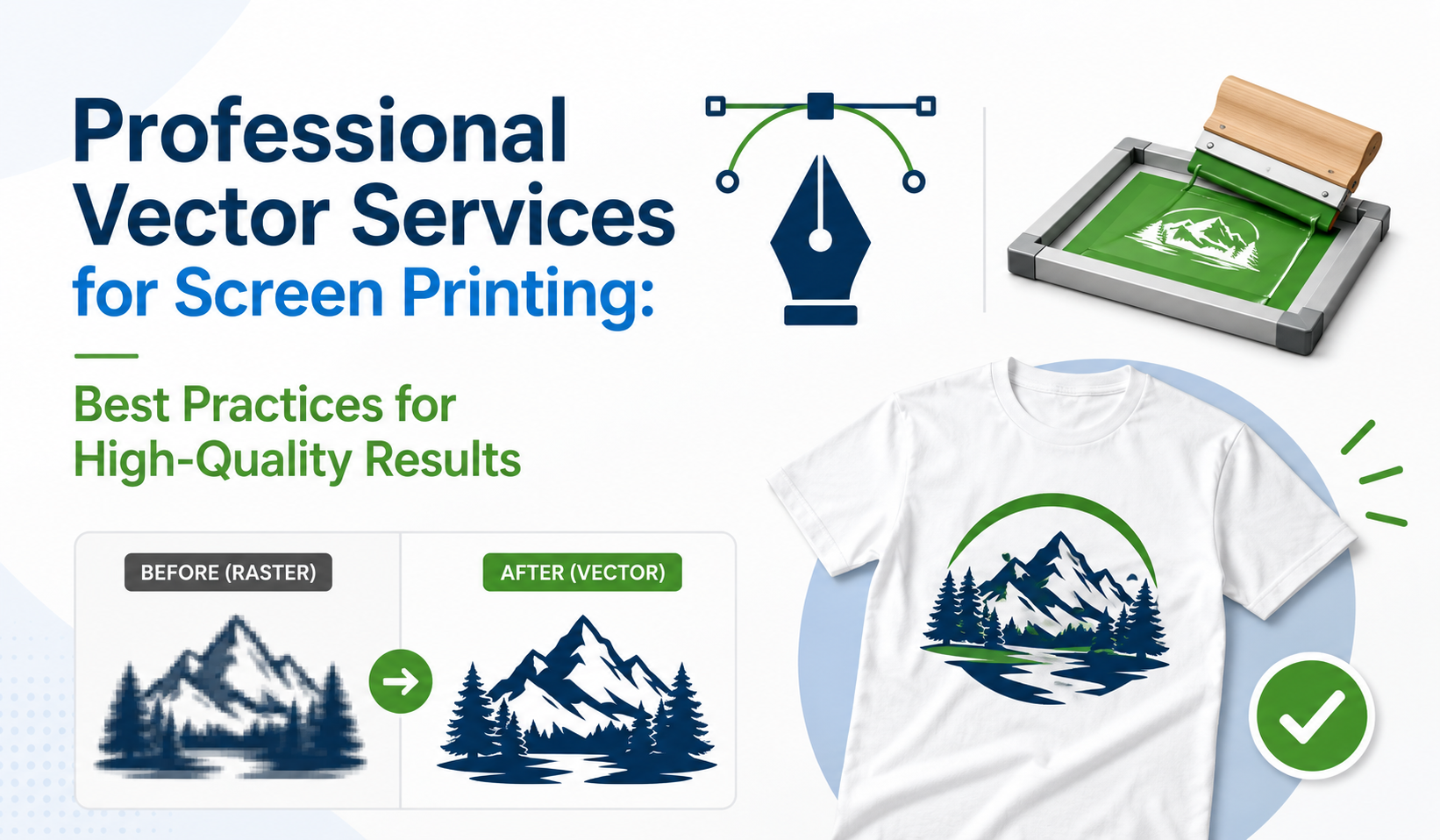
Screen printing is a widely used printing method for creating designs on clothing, promotional products, packaging, and branded merchandise. Businesses use this technique for custom t-shirts, uniforms, bags, accessories, and other products because it provides durable and professional-looking results.
However, successful screen printing depends on more than just the printing process. The quality of the artwork file plays an important role in achieving accurate and consistent results. Low-resolution images, unclear details, and incorrect color preparation can create production problems and affect the final appearance of printed products.
This is where professional vector services become valuable. Vector conversion transforms pixel-based images into clean, scalable artwork that is easier to edit, separate, and prepare for screen printing. Professional designers recreate artwork using precise paths, shapes, and proper color settings to ensure the design is ready for production.
Whether you are printing company logos, custom apparel designs, promotional products, or branded merchandise, properly prepared vector artwork helps achieve better printing results. Below are the best practices for using professional vector services for screen printing.
1. Begin With High-Quality Vector Artwork
The quality of the artwork file directly affects the final screen printing result. Many printing challenges occur because businesses provide low-resolution JPG or PNG images that were created for digital use.
Raster images are made from pixels, which means they can become blurry when enlarged. This creates problems such as unclear edges, distorted shapes, and poor print quality.
Professional vector services convert these images into scalable formats such as AI, EPS, SVG, and PDF. Vector files maintain sharp details at any size, allowing screen printers to produce accurate and clean designs.
Starting with professionally prepared vector artwork creates a stronger foundation for the entire printing process.
2. Prepare Accurate Color Separation
Color separation is an important part of screen printing because each color in a design usually requires a separate printing screen. Artwork must be properly prepared to ensure each color layer is accurate.
Designs containing multiple colors, gradients, or complex details require careful preparation before production. Incorrect color separation can result in misalignment, inconsistent colors, and poor-quality prints.
Professional vector designers understand screen printing requirements and prepare artwork with proper color layers. They organize colors correctly and create files that help printers achieve accurate production results.
3. Maintain Clean Lines and Precise Details
Screen printing requires artwork with clear outlines and accurate details. Small design issues that are not noticeable on a computer screen can become visible when printed on fabric or other materials.
Professional vector conversion focuses on creating smooth curves, clean edges, and properly structured shapes. Designers remove unnecessary points and correct uneven areas to improve the quality of the artwork.
This attention to detail is especially important for logos, typography, illustrations, and detailed graphics where accuracy affects the final printed result.
4. Prepare Artwork According to Screen Printing Requirements
Different printing methods have different technical requirements. Screen printing professionals need artwork files that are organized and prepared correctly before production begins.
Professional vector services ensure that designs have suitable dimensions, proper file formats, and correct color settings. Designers also consider the final printing surface and product type when preparing artwork.
For example, artwork for a cotton t-shirt may require different adjustments compared to a canvas bag or promotional item. Proper preparation reduces production issues and helps printers complete projects more efficiently.
5. Select the Correct Vector File Format
Using the correct file format is essential for smooth screen printing production. Different printers and manufacturers may request specific formats depending on their equipment and workflow.
Common vector formats used in screen printing include:
-
AI (Adobe Illustrator) for professional editing and design adjustments
-
EPS for printing and manufacturing processes
-
SVG for digital applications and flexible usage
-
PDF for sharing and production compatibility
Professional vector services provide suitable file formats that allow businesses to work easily with printers and production teams.
The right file format helps maintain artwork quality and prevents compatibility problems during production.
6. Optimize Artwork for Different Printing Materials
Screen printing is used on various materials, including cotton, polyester, canvas, and other fabrics. Each material can affect how colors, lines, and details appear after printing.
Artwork that looks correct on a computer screen may require adjustments before being printed on physical products.
Professional vector designers optimize artwork by adjusting line thickness, spacing, and color combinations according to the printing surface. This preparation improves print clarity and helps create durable designs that maintain their appearance over time.
7. Minimize Production Errors and Additional Costs
Poorly prepared artwork can lead to printing mistakes, wasted materials, and unnecessary expenses. Correcting design problems after production has started can delay projects and increase costs.
Professional vector services help prevent these issues by delivering accurate, production-ready files. Designers carefully review artwork before final delivery to ensure that all elements are properly prepared.
This reduces revisions, saves time, and helps businesses complete screen printing projects more efficiently.
8. Maintain Brand Consistency Across Products
Businesses often use screen printing for uniforms, merchandise, promotional products, and corporate gifts. Maintaining the same logo appearance across different products is important for consistent branding.
A professionally created vector logo works as a master file that can be adapted for various printing applications. It keeps the same colors, proportions, and design details across different materials.
Consistent artwork helps businesses present a reliable brand image across all printed products.
9. Make Future Design Updates Easier
Businesses often need to modify designs, create new versions, or adjust colors for future projects. Vector files provide greater flexibility compared to raster images.
Because vector artwork is created with editable paths, designers can make changes without reducing image quality. This makes vector files useful for businesses that regularly produce new merchandise or marketing materials.
A professionally prepared vector file becomes a valuable resource for future branding and production needs.
Why Professional Vector Services Are Better Than Automatic Conversion Tools
Automatic image tracing tools may provide quick results, but they often struggle with complex designs, detailed logos, and professional printing requirements. They can create unnecessary points, inaccurate shapes, and files that require additional editing.
Professional vector designers manually refine artwork to ensure proper alignment, clean curves, accurate colors, and production-ready quality. This detailed approach creates files that are more reliable for screen printing and manufacturing.
Conclusion
Professional vector services play an important role in achieving high-quality screen printing results. Properly prepared vector artwork improves accuracy, supports better color separation, reduces production problems, and ensures designs maintain their quality on different products.
From custom apparel and promotional items to branded merchandise and packaging, professional vector conversion provides the foundation needed for successful screen printing projects.
With professional vector services from iDigitize, businesses can prepare accurate, scalable, and production-ready artwork that delivers reliable results for every printing application.