
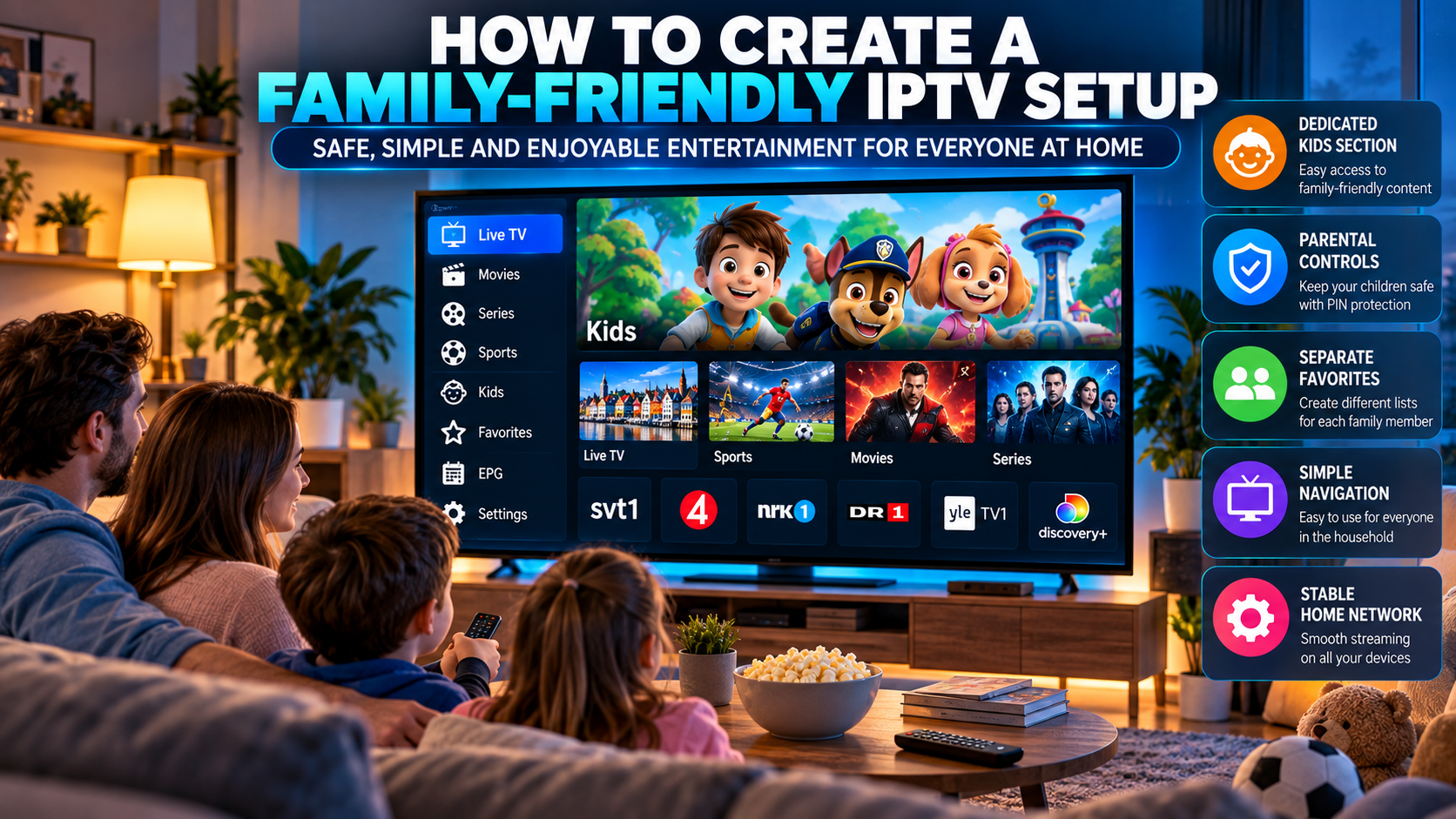
IPTV gives households access to a wide range of live television, movies, series, sports, and international content through internet-connected devices. While this flexibility is useful, large content libraries can also make navigation more complicated for families.
A family-friendly IPTV setup should be easy to use, organized around different viewing habits, and configured so that younger users do not accidentally open unsuitable content. Features such as favorites, profiles, parental controls, channel groups, and device-specific settings can make a big difference.
For households in Sweden and the wider Nordic region, a little planning can make IPTV more practical for both adults and children.
Start With a Clean Channel Structure
One of the most important steps is organizing the channel list.
Large IPTV playlists can contain hundreds or even thousands of channels. If everything appears in one place, children and other family members may struggle to find the content they actually want.
Useful groups can include:
-
Swedish TV
-
Nordic channels
-
Kids
-
Sports
-
News
-
Movies
-
Series
-
Entertainment
-
International channels
Keeping categories clearly separated makes the interface easier to understand.
Create a Dedicated Kids Section
If the IPTV player supports favorites or custom groups, create a separate section for children's channels.
This helps prevent younger viewers from scrolling through the entire playlist.
A kids section can include:
-
Children's television
-
Educational channels
-
Family movies
-
Cartoons
-
Age-appropriate entertainment
The exact content available depends on the IPTV service, but the organizational principle remains the same.
Use Parental Controls Where Available
Many IPTV players offer some form of parental control.
Depending on the application, users may be able to:
-
Lock selected categories
-
Protect settings with a PIN
-
Restrict access to certain channels
-
Hide adult categories
-
Lock movies or series sections
These features vary between IPTV players, so it is worth reviewing the available settings before making an application your main family player.
Protect the Settings Menu
Parental controls are less useful if anyone can simply open the settings menu and disable them.
If the IPTV application allows it, protect configuration menus with a PIN.
This can prevent accidental changes to:
-
Playlists
-
Account details
-
EPG settings
-
Hidden channels
-
Parental controls
-
Application preferences
It also helps keep the interface consistent for other family members.
Create Separate Favorites for Different Users
Not everyone in the household watches the same content.
Separate favorites can make navigation much easier.
Parents
Adults may prefer:
-
News
-
Sports
-
Movies
-
General entertainment
Children
A separate favorites list can contain:
-
Kids channels
-
Educational content
-
Family movies
-
Cartoons
Other Family Members
Teenagers or older relatives may want a different combination of channels.
Some IPTV players support profiles, while others rely on favorites and channel groups. Use whichever option is available.
Choose an IPTV Player With Simple Navigation
A family IPTV setup should not require technical knowledge every time someone wants to change the channel.
Look for an IPTV player with:
-
Large, readable menus
-
Clear icons
-
Simple category navigation
-
Easy favorites access
-
Search
-
EPG support
-
Reliable remote-control navigation
A complicated player with many advanced settings may be less suitable for a shared television.
Keep the Main Screen Uncluttered
Too many categories can make the interface confusing.
If the player allows users to hide unused groups, remove categories that are never watched.
For example, if the household mainly watches Nordic television, sports, movies, and children's programming, there may be little reason to keep dozens of unrelated regional groups visible.
A cleaner home screen can make navigation faster for everyone.
Use the EPG to Plan Family Viewing
An Electronic Program Guide can help families see what is playing without opening every channel.
A properly configured EPG can show:
-
Current programs
-
Upcoming programs
-
Start times
-
End times
-
Channel schedules
Parents can use this information to find suitable programs in advance.
It can also make shared viewing easier when different family members want to plan what to watch later in the evening.
Check Subtitle and Audio Options
Nordic households may watch content in several languages.
A good IPTV player should make it easy to switch between available subtitle and audio tracks.
Depending on the source, viewers may have access to:
-
Swedish subtitles
-
Norwegian subtitles
-
Danish subtitles
-
Finnish subtitles
-
English subtitles
-
Alternative audio tracks
These features can be especially useful in multilingual households.
Consider Device-Specific Access
A family may use IPTV on several devices.
For example:
-
Main Smart TV in the living room
-
Tablet for children
-
Android TV in another room
-
Smartphone for adults
Each device does not need to show the same content.
The children's tablet can have a simplified setup while the main television includes the full channel list.
This creates a more controlled viewing experience without limiting everyone else.
Check Simultaneous Connection Limits
Before using IPTV on several devices at once, check the provider's connection rules.
Some subscriptions allow one active stream, while others may permit multiple simultaneous connections.
Installing an IPTV application on several devices does not automatically mean all of them can stream at the same time.
Exceeding the allowed number of connections may cause playback errors or interruptions.
Use a Stable Home Network
Family households often have many devices connected to the internet at once.
Alongside IPTV, family members may be:
-
Gaming
-
Watching other streaming platforms
-
Making video calls
-
Downloading files
-
Using social media
-
Updating devices
All of this activity can affect streaming performance.
A stable router and good Wi-Fi coverage are particularly important in homes with multiple active users.
Consider Ethernet for the Main TV
If the main television or IPTV box is close to the router, Ethernet can provide a stable connection.
This can reduce wireless congestion and leave more Wi-Fi capacity available for tablets, smartphones, and other devices.
Ethernet is not required, but it can be helpful in busy households.
Use Wi-Fi Carefully on Children's Devices
Tablets and mobile devices usually rely on Wi-Fi.
Make sure the signal is strong in the areas where these devices are commonly used.
Weak Wi-Fi can cause:
-
Buffering
-
Long loading times
-
Poor picture quality
-
App disconnections
If one room has consistently poor coverage, improving router placement or using a properly configured mesh system may help.
Keep Applications Updated
Family devices should be updated regularly.
Check for updates to:
-
IPTV players
-
Smart TVs
-
Android TV devices
-
Tablets
-
Smartphones
-
Streaming boxes
-
Router firmware
Updates may improve stability, compatibility, and security.
Keeping all family devices current also makes troubleshooting easier.
Avoid Untrusted IPTV Applications
Families should be especially cautious about installing applications from unknown sources.
Whenever possible, use:
-
Official app stores
-
Trusted developers
-
Well-known IPTV players
-
Secure websites
Avoid applications that request unnecessary permissions or ask users to disable device security features without a clear reason.
Review Viewing Settings Regularly
A family setup should not be configured once and then ignored forever.
Children grow older, viewing habits change, and channel lists can be updated.
Review the IPTV setup periodically.
Check:
-
Favorites
-
Locked categories
-
Hidden channels
-
PIN settings
-
Device access
-
User profiles
This helps ensure the setup still matches the household's needs.
Teach Family Members Basic Navigation
A simple IPTV interface is even better when everyone understands how to use it.
Show family members how to:
-
Open favorites
-
Search for a channel
-
Use the EPG
-
Return to the home screen
-
Change subtitles
-
Report a playback problem
This reduces the need for one person to manage every small issue.
Avoid Overloading the Interface
Some users create too many custom groups, favorites, and playlists.
While organization is useful, excessive customization can become confusing.
Keep the structure simple.
For many households, categories such as Live TV, Kids, Sports, Movies, Series, News, and Favorites are enough.
Choose Services That Match Household Needs
Families should choose IPTV services and players based on how they actually watch television.
A service with thousands of channels is not necessarily better than one with a smaller but more relevant selection.
Nordic viewers researching regional IPTV options, device support, and content organization may come across Nordic IPTV King while comparing IPTV-related resources for Sweden and surrounding Nordic markets.
Whatever service is used, the focus should remain on device compatibility, ease of use, suitable content, and legitimate access.
Think About Privacy
Shared devices can contain personal account information.
Avoid leaving sensitive login details visible inside applications.
Where supported:
-
Use secure passwords
-
Protect settings with a PIN
-
Log out of unused devices
-
Remove old device authorizations
-
Avoid sharing credentials outside the household
This is particularly important when IPTV is used on several devices.
Troubleshoot Family Streaming Problems Step by Step
If multiple users experience buffering or connection problems, check the system logically.
Step 1: Test the Internet
Confirm that the connection is working normally.
Step 2: Check Other Active Devices
Large downloads or several simultaneous streams may be using bandwidth.
Step 3: Try Another Channel
Determine whether the problem affects one stream or the entire playlist.
Step 4: Restart the Player
Close and reopen the IPTV application.
Step 5: Restart the Device
This may clear temporary software issues.
Step 6: Check Connection Limits
Make sure the household has not exceeded the number of simultaneous streams allowed by the service.
This process helps identify the problem without changing unnecessary settings.
Respect Content Rights and Service Terms
IPTV is a technology for delivering television over the internet.
The legality of specific content depends on whether the service has permission to distribute it.
Families should use legitimate services and follow applicable copyright rules, account terms, and regional restrictions.
This is particularly important when children use the service independently.
Final Thoughts
A family-friendly IPTV setup should be simple, organized, and easy to manage.
Features such as parental controls, favorites, dedicated kids sections, EPG data, separate device setups, and protected settings can help make IPTV more suitable for shared households.
For Nordic families, organizing Swedish and regional channels alongside sports, entertainment, and children's content can create a cleaner viewing experience.
By combining sensible content organization, secure account settings, a stable home network, and compatible devices, households can make IPTV easier and more convenient for everyone.